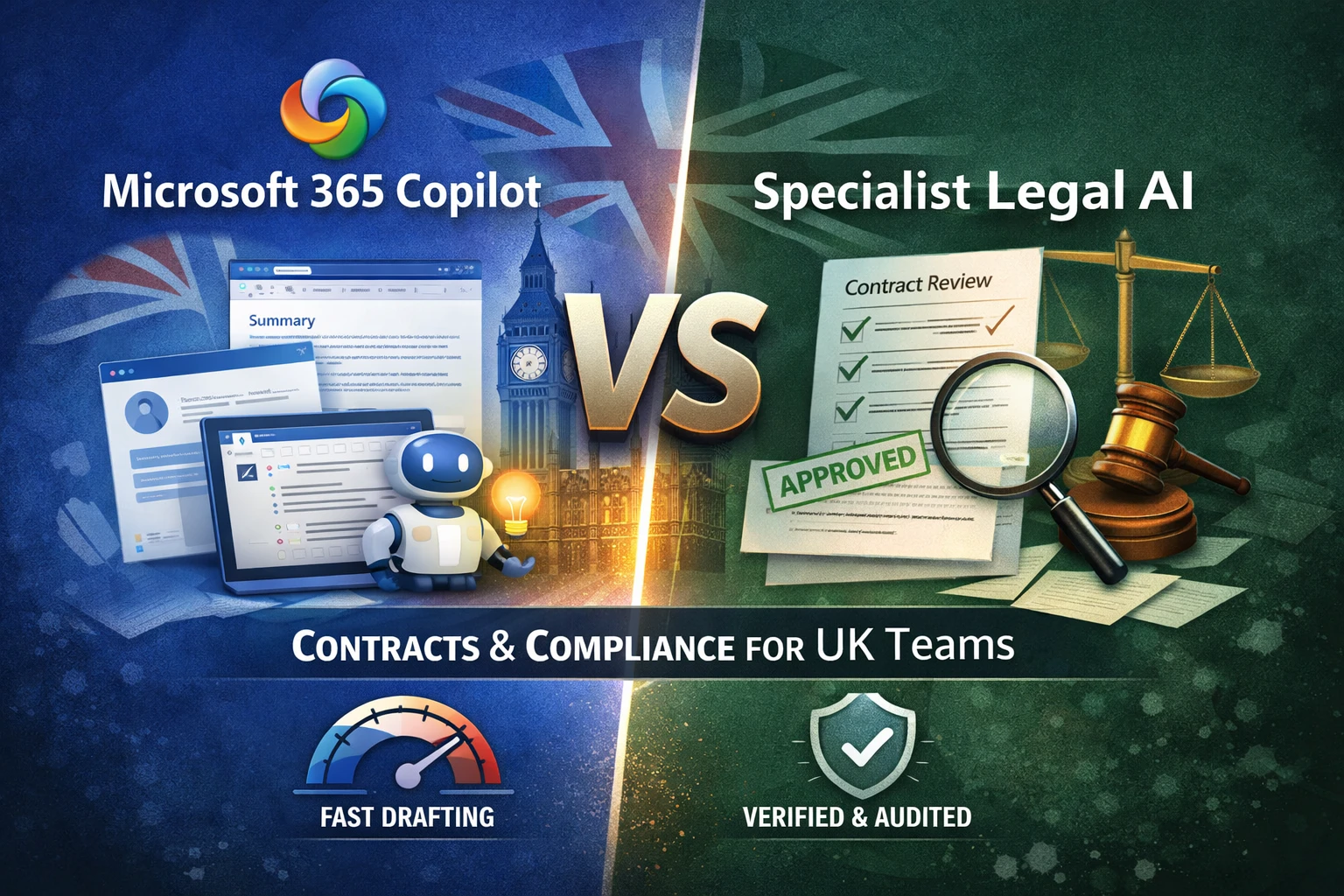
Definition: Microsoft 365 Copilot is an AI assistant integrated into Microsoft 365 apps that helps users draft, summarise, and find information using work content they have permission to access. Specialist legal AI for contracts is purpose-built to help contract teams keep work consistent with standards, verifiable at review time, and audit-ready.
If you are weighing copilot vs legal ai for contracts in a UK firm, the answer is rarely "pick one." Copilot raises the baseline for everyday productivity. Specialist legal AI raises the baseline for supervised, governed contract work.
Contract work is not judged on fluency. It is judged on review burden, consistency, and sign-off confidence.
If you only remember one thing: Copilot helps teams move faster on the first pass; specialist legal AI helps teams reduce rewrite cycles and sign off with confidence.
Key takeaways:
- Copilot is excellent for drafting support, summaries, and coordination inside Microsoft 365.
- Contract teams still need standards, verification, and decision trails for material edits and approvals.
- The best 2026 setup is a division of labour: Copilot as the baseline layer, specialist contract workflows as the governed layer.
Three maxims we use internally:
- Consistency is a system property, not a prompting trick.
- Governance is adoption, not overhead.
- If a clause change isn't verifiable, it isn't shippable.
Source-backed claims you can quote internally
- According to Microsoft, Copilot only surfaces organisational data that a user has at least view permissions to access.
- According to Microsoft, prompts, responses, and data accessed through Microsoft Graph aren't used to train foundation LLMs used by Microsoft 365 Copilot.
- According to Microsoft, prompts and responses remain within the Microsoft 365 service boundary, and Microsoft 365 Copilot uses Azure OpenAI services for processing.
- According to Microsoft's legal scenario guidance, Copilot in Word can compare two agreements and list results in a table, including areas addressed in one agreement and not the other.
- According to Microsoft Purview guidance, prompts and responses from AI apps are stored in a user's mailbox, and auditing captures Copilot search activity but not the actual prompt or response, eDiscovery is used for that content.
What is Microsoft 365 Copilot?
Microsoft 365 Copilot is an AI-powered assistant that responds to prompts inside Microsoft 365, using work content you have permission to access, and in some contexts it can also include web content.
Copilot is designed to help users complete work tasks in context, inside apps like Word, Outlook, and Teams. According to Microsoft, Copilot uses Microsoft Graph to personalise responses, and only shows data users have permission to access.
For contract teams, the practical effect is simple: less "blank page time," less "where is the clause" time, and faster coordination.
Microsoft Copilot contract drafting: what it can and can't do
Copilot can draft and rewrite contract language quickly, and it can help reviewers summarise and compare documents, but it doesn't automatically enforce your standards or create a structured legal decision trail by default.
Copilot is a general productivity layer. For contract work, that is valuable. It also means teams should be intentional about where standards and governance live.
| Task in contract work | Copilot can usually help with | What teams typically add for "legal-grade" work |
|---|---|---|
| First-pass drafting | Draft clauses, rewrite sections, improve clarity | Playbooks and fallback ladders for consistent positions |
| Comprehension | Summaries and key point extraction | Structured issue spotting tied to excerpts |
| Review preparation | Briefing notes and meeting prep | A standardised issues log and escalation rules |
| Version work | Assist with comparing versions | Clear authority on "current version" and materiality review |
| Record-keeping | Work within Microsoft 365 collaboration | A reviewable decision trail for material edits and approvals |
This is not a criticism of Copilot. It is the normal gap between a general assistant and a governed legal workflow.
Can Copilot compare contracts in Word?
Yes, Microsoft's legal scenario guidance explicitly describes using Copilot in Word to compare two agreements and present differences in a table.
According to Microsoft's "Quicker contract review" scenario, Copilot Chat in Word can compare two agreements and list results in a table, including areas addressed in one agreement and not the other.
For teams, this is useful as a first pass. It still benefits from a review standard for version authority and materiality, especially when the output feeds negotiation or sign-off.
Copilot vs legal AI: what's the difference for contracts?
Copilot improves general productivity across Microsoft 365, while specialist legal AI is designed to standardise contract outcomes through playbooks, verification, and audit-ready workflows.
This is why "copilot vs legal ai" is a practical question, not a philosophical one. They solve different constraints.
| Contract need | Copilot baseline value | Specialist legal AI value |
|---|---|---|
| Faster first pass | Drafting support, summaries, coordination | Playbook-aligned drafting from the start |
| Consistent positions | Helpful rewrites | Standards enforcement across matters |
| Reduced rewrite cycles | Faster iteration | Verifiable basis for material edits |
| Negotiation support | Draft rationales and comms | Evidence-linked clause suggestions |
| Governance | Operates within Microsoft 365 controls | Audit-ready workflow trails for legal decisions |
| Proving value | Individual productivity wins | Team outcomes, sign-off time, consistency |
When teams struggle with adoption, it is usually not because drafting is slow. It is because review and sign-off are unpredictable.
What is the practical division of labour in 2026?
Use Copilot broadly for productivity inside Microsoft 365, then use specialist legal AI where you need enforced standards, verification, and reviewable decision trails for contract work.
This is the non-controversial, procurement-friendly framing: Copilot is the baseline layer, specialist contract workflows are the governed layer.
| Workflow moment | Copilot works well for | Where specialist contract AI adds value |
|---|---|---|
| Intake and comms | Email drafts, thread summaries, meeting notes | Standardised intake templates and matter structure |
| First pass review | Summaries, locating terms, first-pass comparisons | Evidence-linked issue lists tied to excerpts |
| Drafting | Draft and rewrite support | Playbook and fallback ladders for consistent positions |
| Negotiation | Briefing notes and coordination | Evidence-linked redlines and clause rationale |
| Sign-off | Executive summaries | Reviewable trail of material changes and approvals |
Two-minute test: will this survive partner sign-off?
| Question | Pass | Fail |
|---|---|---|
| Can we show the excerpt for the material suggestion? | One click to the clause | Reviewers must hunt |
| Can we show the standard position and fallback? | Explicit and shared | "It depends" lives in heads |
| Can we reconstruct what changed and why? | Clear record | Decisions scattered in email and comments |
| Can we measure outcomes? | Rewrite rate and sign-off time tracked | Only anecdotes |
If a clause change isn't verifiable, it isn't shippable.
Is Microsoft Copilot secure for law firms?
Microsoft positions Copilot as operating within Microsoft 365 enterprise privacy and security commitments, including permissions-based access and commitments about model training.
According to Microsoft, Copilot only surfaces organisational data that a user has permissions to access, and prompts, responses, and data accessed through Microsoft Graph aren't used to train foundation models used by Microsoft 365 Copilot. Microsoft also states that prompts and responses remain within the Microsoft 365 service boundary, and Copilot uses Azure OpenAI services for processing.
For firms, the practical takeaway is consistent: Copilot can be a strong baseline in a Microsoft 365-first environment, and outcomes depend on how permissions, retention, and investigation workflows are configured.
Governance is adoption, not overhead.
What should UK firms check for Copilot security and governance?
Treat Copilot as a permissions and policy amplifier, then verify access hygiene, retention, and investigation paths before scaling contract workflows.
The most common Copilot "risk" in legal teams is not the model. It is over-permissioning, unclear retention, and unclear investigation posture.
| Governance check | Why it matters in contracts | What "good" looks like |
|---|---|---|
| Permissions hygiene | Copilot only shows what users can access | Least-privilege SharePoint and Teams groups |
| Document location | Contract chaos reduces Copilot usefulness | Clear DMS or SharePoint pattern for matters |
| Version authority | "Which draft is final" matters | Naming, storage, and version conventions |
| Retention posture | Prompts and outputs can become records | Clear retention policy aligned to legal needs |
| Investigation path | You may need to reconstruct activity | You know what's in audit, what's in eDiscovery |
| Web content policy | Web grounding is optional and controllable | Clear policy on when web content is allowed |
According to Microsoft Purview guidance, auditing captures Copilot search activity, not the actual prompt or response, and eDiscovery is used to access that content. Microsoft also states that prompts and responses from AI apps are stored in a user's mailbox.
If you want more control over web grounding, Microsoft also documents admin and user controls for whether Copilot can reference web content.
Consistency is a system property, not a prompting trick.
Copilot for contracts in UK firms: procurement worksheet
This worksheet helps teams evaluate Copilot and a specialist contract layer without hype, by scoring what actually drives sign-off confidence.
Copy this into your procurement doc, then score 1–5.
| Category | Question | Score 1–5 | Notes |
|---|---|---|---|
| Standards | Can we enforce house positions and fallbacks? | ||
| Verification | Can reviewers verify material suggestions quickly with excerpts? | ||
| Auditability | Can we reconstruct what changed, who approved, and why? | ||
| Word-native workflow | Does it meet lawyers in Word for drafting and redlining? | ||
| Microsoft 365 fit | Does it fit our tenant controls and policies? | ||
| Investigation | Do we know what is logged and how to retrieve it? | ||
| Rollout readiness | Can we adopt without changing how teams work? | ||
| Measurement | Can we measure rewrite rate and sign-off time over time? |
What to measure:
- Rewrite rate for material clauses
- Time-to-sign-off for a standard contract type
- Evidence coverage for material edits (how often reviewers can verify quickly)
For a deeper measurement framework, see: Legal AI Evaluation Metrics
Why Qanooni: specialist contract workflows inside Microsoft Word
Qanooni is purpose-built for contract drafting and negotiation in Word, with workflows that support consistency, verification, and reviewable sign-off for legal teams.
Qanooni is designed for the governed layer of contract work:
- Meet lawyers where they work: Microsoft Word drafting and redlining, aligned to real negotiation workflows.
- Support verification: evidence-linked drafting patterns that make review faster and more confident.
- Support consistency: playbooks, fallback ladders, and controlled precedent reuse so positions don't drift across matters.
- Support governance: workflow thinking that fits procurement expectations, without forcing lawyers into a new UI for everyday drafting.
Copilot raises the baseline. Qanooni is how teams operationalize contract AI in a way that stays consistent and reviewable.
Frequently Asked Questions
Does Microsoft 365 Copilot replace specialist legal AI for contracts? No. Copilot improves baseline productivity. Specialist contract AI helps teams keep standards consistent, make material edits verifiable, and support reviewable sign-off.
Can Copilot compare contracts in Word? Yes. Microsoft's legal scenario guidance describes comparing two agreements in Word and presenting differences in a table.
What should UK firms measure to prove value? Rewrite rate, sign-off time, and whether reviewers can verify material changes quickly.
Is this anti-Copilot? No. Copilot is a strong baseline layer. This is about adding a specialist contract layer where standards, verification, and auditability matter.
Related reading
- How to Choose a Legal AI Tool in 2026
- What Is Evidence-Linked Drafting?
- Legal AI Evaluation Metrics: Accuracy, Recall & Risk
- AI Redlining in Microsoft Word: Evidence-Linked Negotiation
- Keeping Lawyer IP Central in Microsoft 365
Author: Qanooni Editorial Team
Sources
- https://learn.microsoft.com/en-us/copilot/microsoft-365/microsoft-365-copilot-overview
- https://learn.microsoft.com/en-us/copilot/microsoft-365/microsoft-365-copilot-privacy
- https://adoption.microsoft.com/en-us/scenario-library/legal/quicker-contract-review-copilot-for-microsoft-365/
- https://learn.microsoft.com/en-us/purview/ai-m365-copilot-considerations
- https://learn.microsoft.com/en-us/purview/edisc-search-copilot-data
- https://learn.microsoft.com/en-us/copilot/microsoft-365/manage-public-web-access